How to Install the MH2p Patch
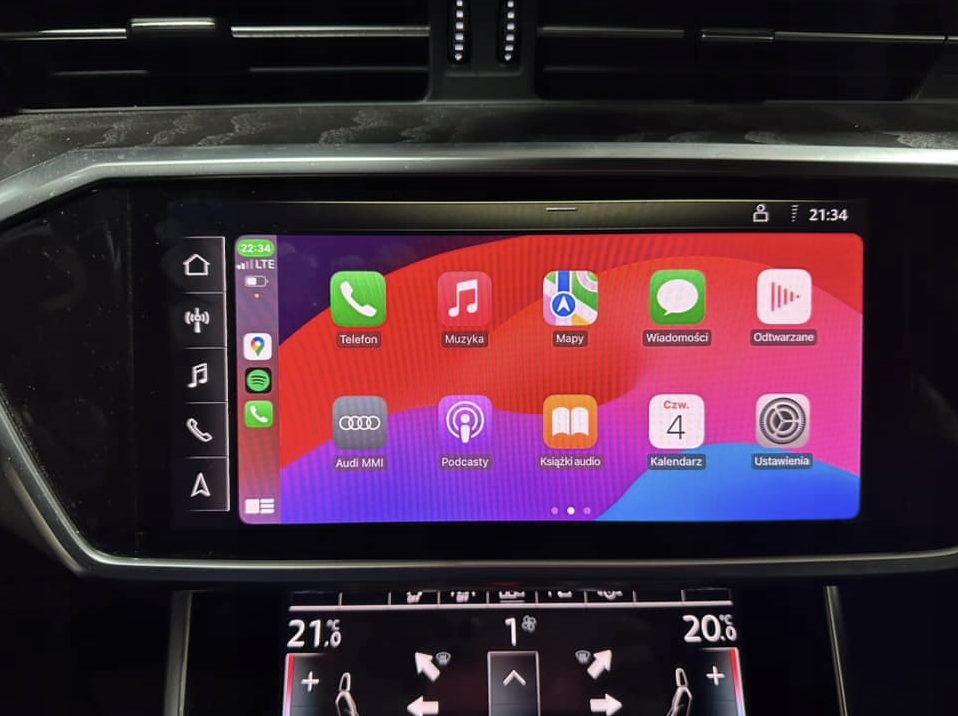
This guide explains how to prepare an update SD card or USB drive, install the MH2p Mod Kit and mods in your vehicle, and troubleshoot common issues.
Product: Click here.
Before you begin
You will need:
- The MH2p Mod Kit and mod files.
- An SD card or USB flash drive for the update. Check which ports your vehicle has.
- A computer that can connect to the update media. Windows is recommended.
Important: Make sure the files you want to install are included in the /Mods folder on the update media before starting the vehicle installation.
1. Format the update media
Format the SD card or USB drive as FAT32.
On Windows:
- Connect the update media to your computer.
- Right-click the update media and choose Format.
- Select FAT32 under File system.
- Click Start.
If your update media is larger than 32 GB, FAT32 may not be available in Windows’ format dialog. Use Rufus or Raspberry Pi Imager to format it as FAT32.
For Raspberry Pi Imager, select:
- Device: No filtering
- OS: Erase
- Storage: Select your update media
Follow the prompts to complete the formatting process.
2. Copy the files to the update media
- Extract the mod bundle.
- Copy its contents to the root of the update media.
- Check that the
/Dataand/Metafolders are directly at the root of the card or drive—not inside another folder.

The update media must contain the required Mod Kit files and the mods you want to install inside the /Mods folder.
To uninstall a mod
Create an empty file named uninstall.txt inside that mod’s folder:
/Mods/[modname]/uninstall.txt
Replace [modname] with the name of the mod’s folder.
3. Install the update in the vehicle
- Start the vehicle and leave it running.
- Insert the update SD card or USB drive.
- If you are using an SD card, make sure its lock slider is in the unlocked position.
- The MH2p system should reboot within approximately 10 seconds.
- The update will start automatically and may take a few minutes.
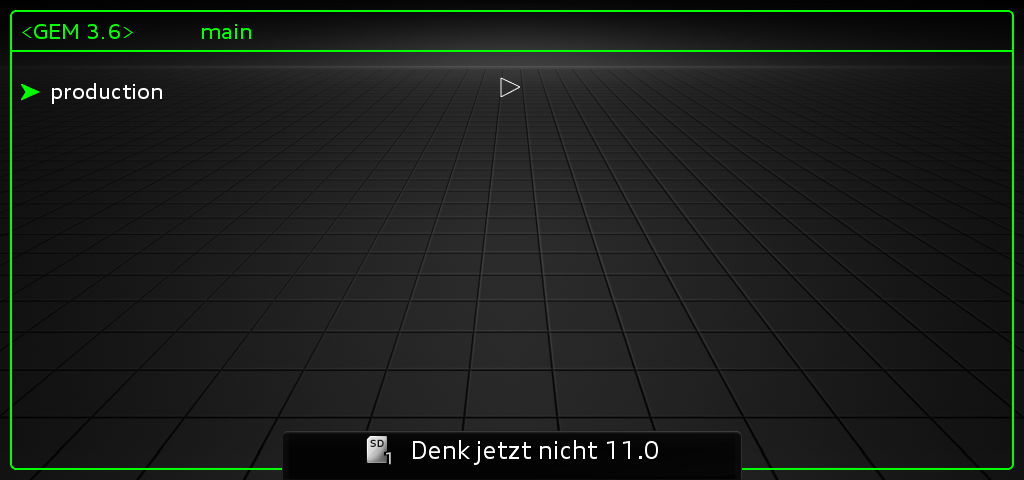
- Do not interact with the MH2p system while the update is running. The system may reboot several times and display red engineering-menu screens.
- When installation is complete, a message will prompt you to remove the update media.
- Remove the SD card or USB drive.
- The MH2p system will reboot into normal mode with the selected mods installed or uninstalled.
After installation, you can check the /Logs folder on the update media for logs from each mod.
Troubleshooting and FAQ
The display says “Update not supported,” or nothing happens
/Data and /Meta are at the root of the update media.macOS users: macOS may add hidden files to the update media. These can interfere with the update. Remove the hidden files immediately before removing the media from the computer. BlueHarvest is one utility that can remove them.
The update completed, but I do not see any changes
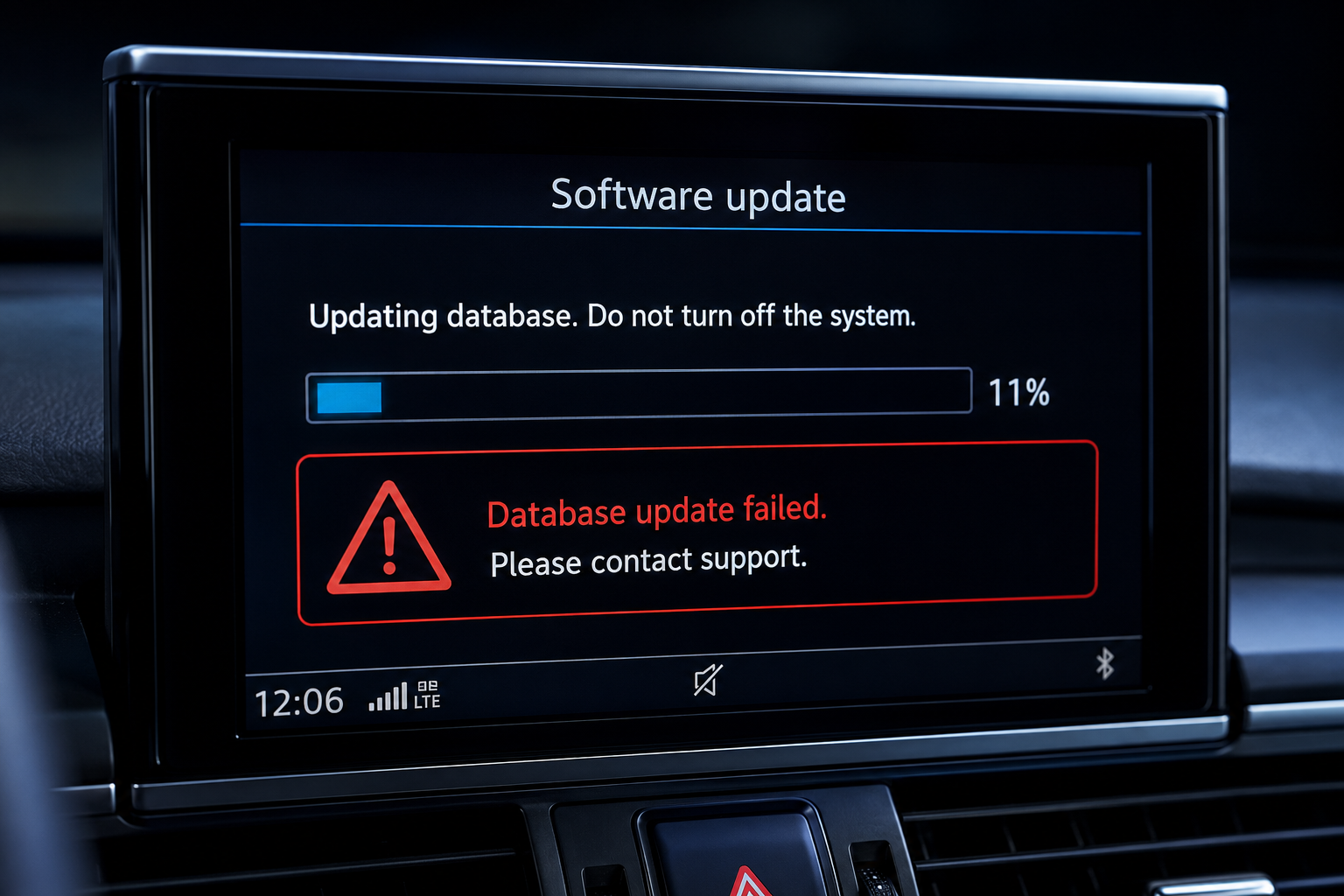
/Mods folder, alongside the Mod Kit. Each mod’s folder must contain at least one of these folders:UpdatePostPersistAn error appeared partway through the update
I see “Can't start update because BEM level is set to LEVEL 1”
CarPlay does not load after installing a full screen mod
Android Auto activates, but nothing happens when I connect my phone
Wireless Apple CarPlay does not work
A working navigation database in the vehicle.
A working 5 GHz antenna. Some vehicles were built without one.
A country where 5 GHz Wi-Fi is permitted for this use.
.

0 comments
Sign in or create an account to leave a comment →