Audi USA to EU MMI Conversion: The Complete 2026 Guide for MIB2 & MMI 3G
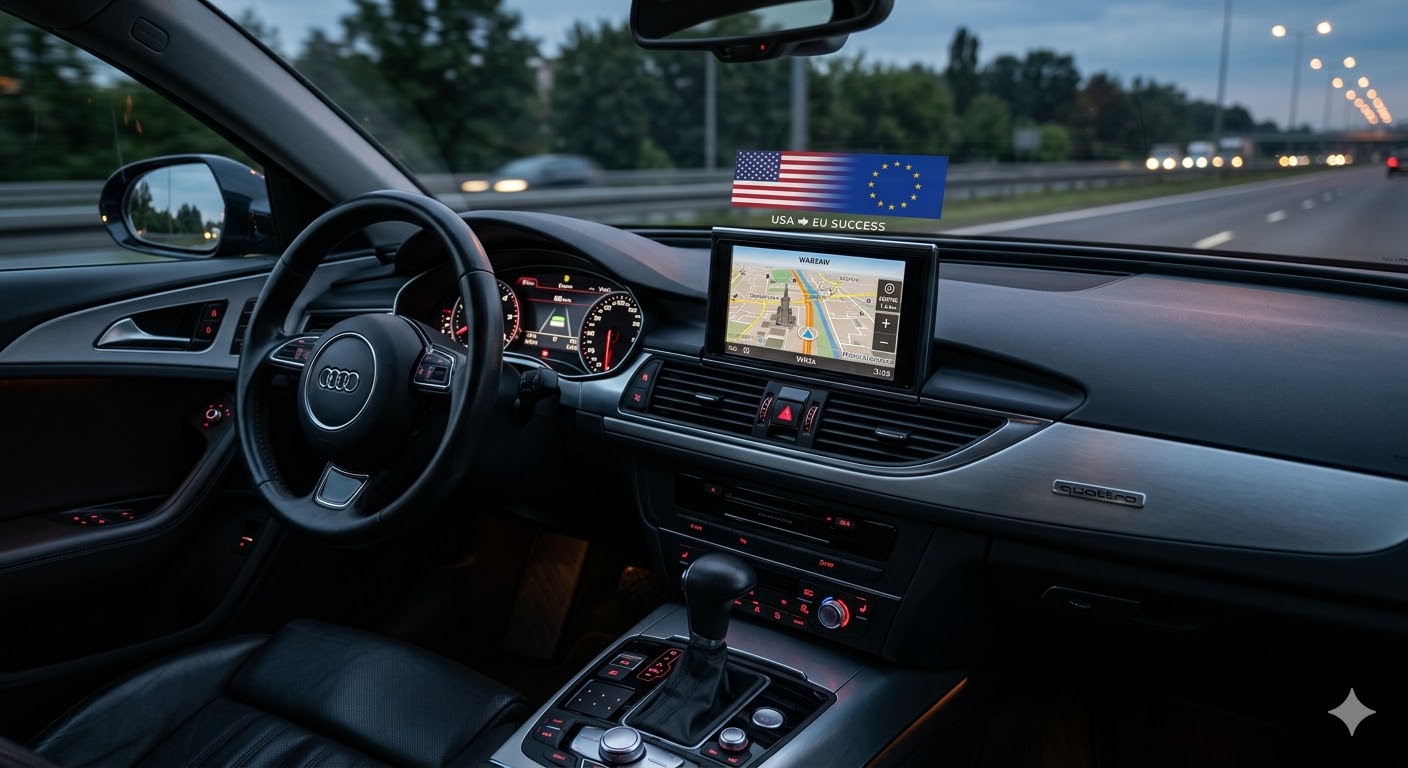
Importing a car from the United States or Canada is a popular way to own a premium Audi at a great price. However, once the car arrives in Europe, owners face a frustrating reality: the navigation doesn't work, the radio only picks up odd frequencies, and the menu is missing local languages.
At MMIUpdates.com, we have performed over 1,200 successful conversions. In this guide, we’ll explain exactly what is needed to make your US-spec Audi feel right at home on European roads.
Why Does Your US Audi Need a Conversion?
The Audi Multi Media Interface (MMI) is region-locked. Without a proper software conversion, you will encounter three main issues:
- Navigation Blackout: Your car still thinks it’s in North America. European map data cannot be loaded onto a US firmware.
- Radio Frequency Mismatch: US radios skip even frequencies (e.g., 90.2 FM), making most European stations unreachable.
- Units and Languages: You are stuck with Fahrenheit, Miles, and no support for local European languages.
The Conversion Process: What We Do
Converting an MIB2 (Modular Infotainment Platform 2) or MMI 3G system is not just about "changing a setting." It requires a deep-level firmware rewrite.
1. Firmware Region Change
We replace the North American (US/NAR) firmware with the latest European (EU) version. This is the "brain surgery" of the process, ensuring all internal modules communicate using European protocols.
2. Radio Frequency Realignment
We reprogram the tuner to support the full FM/DAB spectrum used in Europe. This allows you to listen to every local station with crystal-clear quality.
3. Latest 2026 Navigation Maps
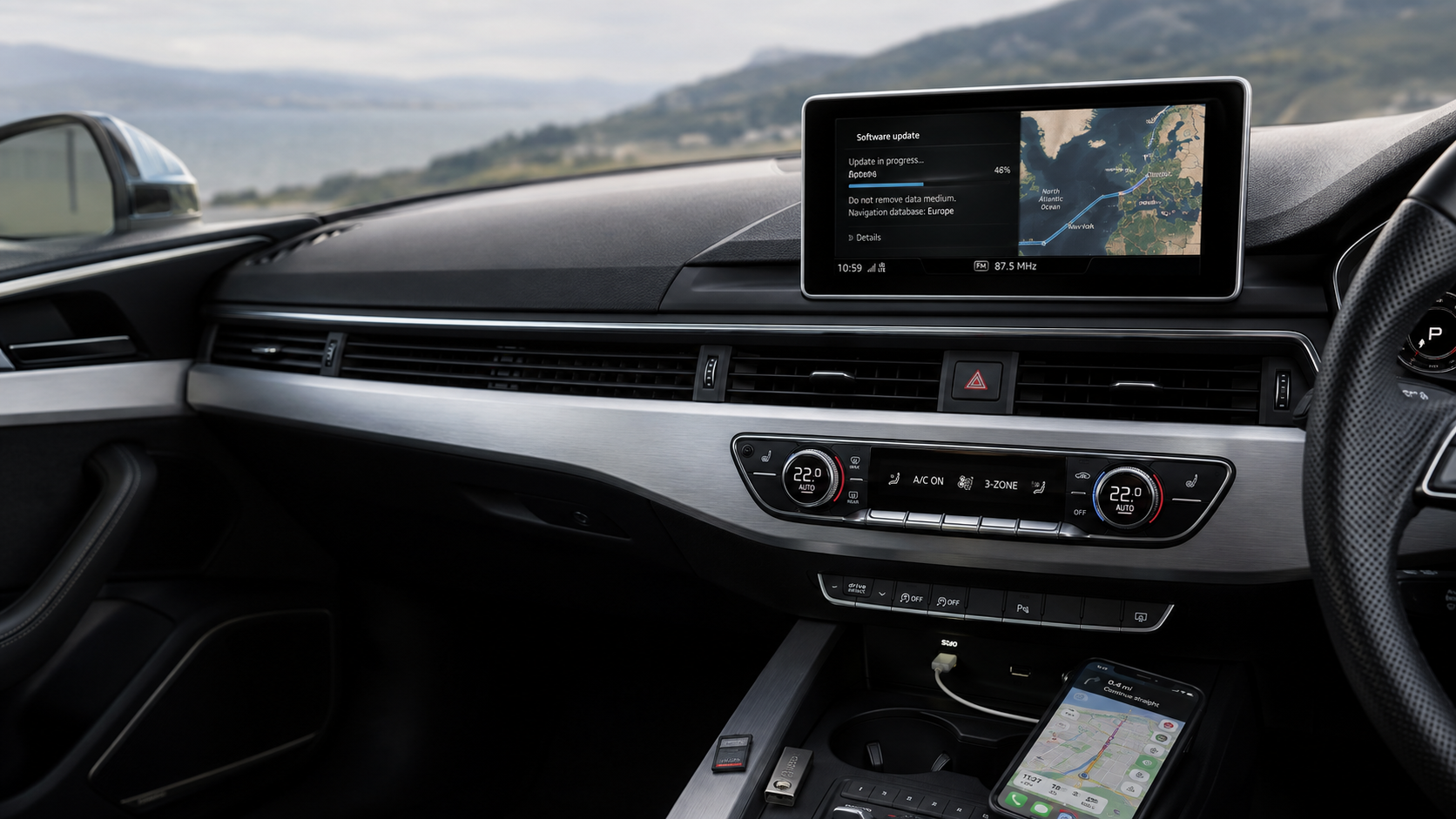
Once the region is changed, we install the newest European map database. This includes speed limits, 3D landmarks, and updated POIs (Points of Interest).
4. Language and Units Unlock
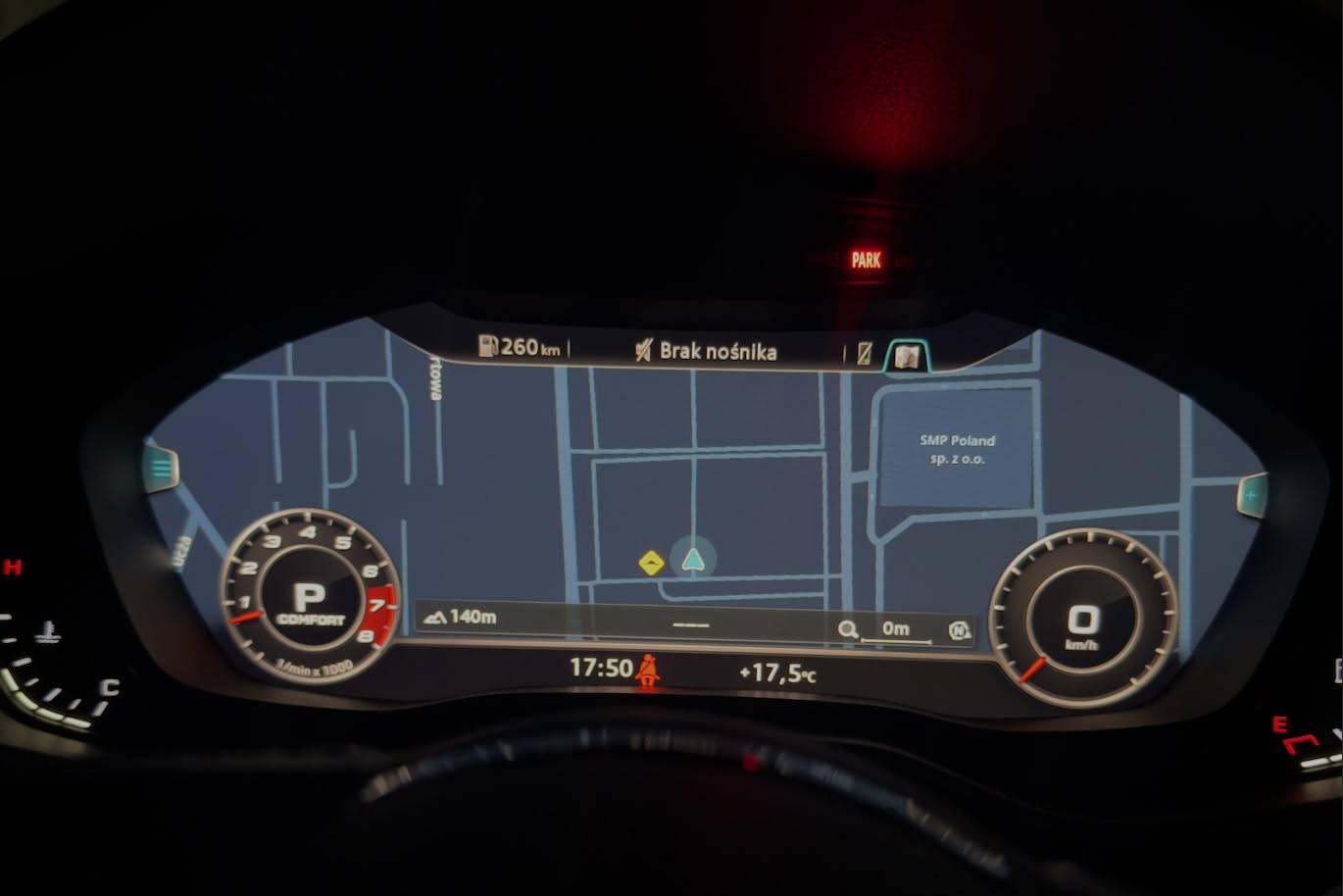
We activate full support for European languages (Polish, German, French, etc.) and switch all units to Celsius and Kilometers for a seamless driving experience.
Expert Tip: Avoid "cheap" DIY scripts found on forums. A failed MIB2 conversion can lead to a "bricked" (permanently damaged) unit, which costs thousands to replace. Always use verified firmware from specialists.
Mib2 full mmi conversion tutorial can be found here - click here.

0 comments
Sign in or create an account to leave a comment →