Google Maps and Waze on Audi Virtual Cockpit: A4 B9 vs A6 and A7 C7.5
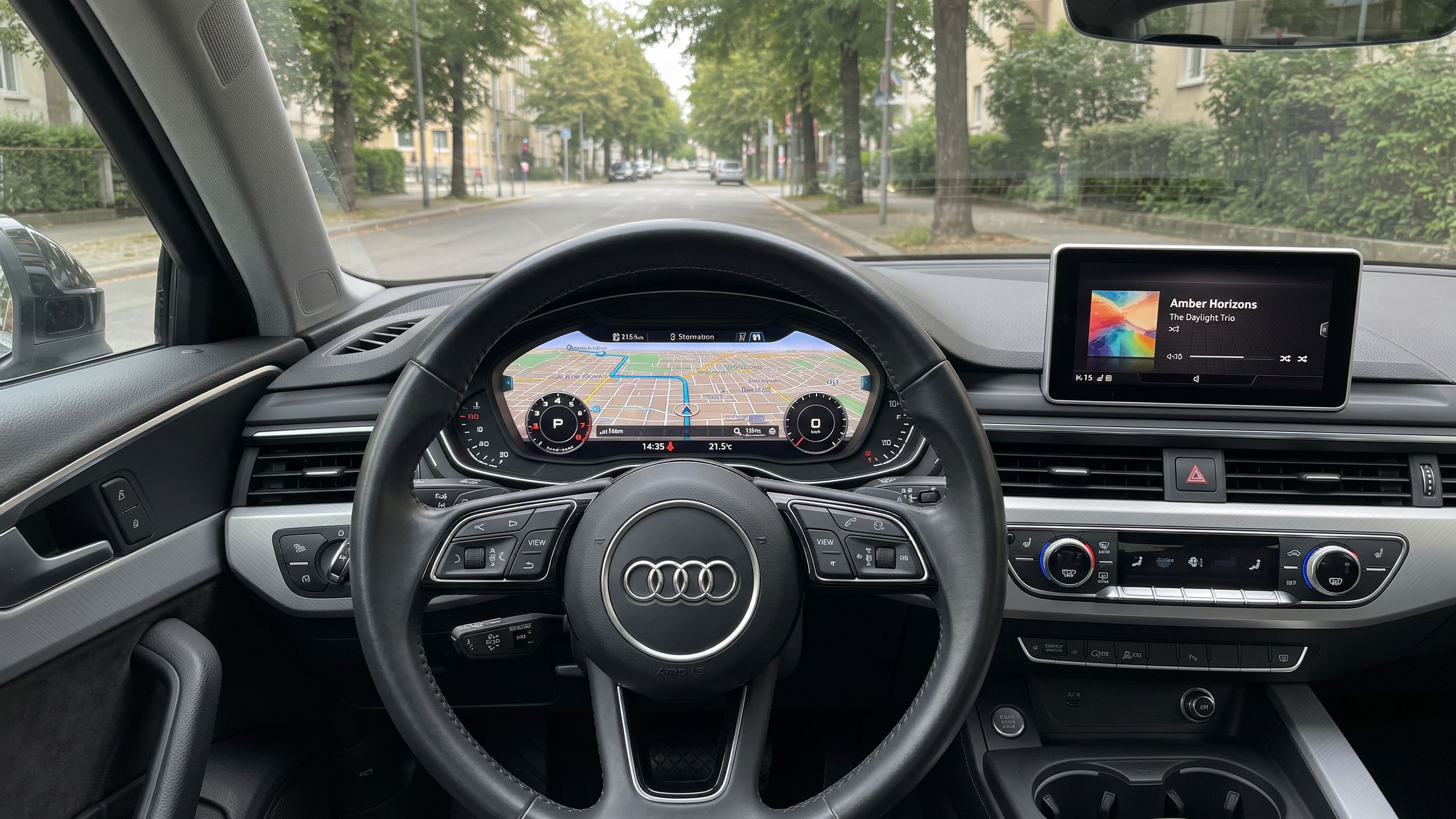
Can you display Google Maps or Waze behind the steering wheel of an older Audi? Yes, on certain configurations. The pre-facelift Audi A4 B9 and the facelift Audi A6 and A7 C7.5 use different infotainment systems, so the right upgrade depends on your full MMI software version, instrument cluster and phone platform.
If CarPlay or Android Auto already works on your centre display, phone projection is active. Showing navigation on the driver’s instrument cluster is a separate feature.
Audi A4 B9 pre-facelift: check for MHI2Q
The Audi A4 B9 Virtual Cockpit navigation upgrade is designed for compatible pre-facelift cars with Virtual Cockpit and one of these MHI2Q software versions:
- MHI2Q_US_AUG22_P5087
- MHI2Q_ER_AUG22_P5092
- MHI2Q_ER_AUG22_P5152
On a supported setup, you can see navigation on the instrument cluster while the centre display shows something else, such as music. The cluster shows the navigation view without duplicating the entire CarPlay or Android Auto interface.
Audi A6 and A7 C7.5: check for Harman MIB2 High
The Audi A6 and A7 C7.5 cluster navigation upgrade requires a compatible instrument cluster, one of the listed Harman MIB2 High software versions and a working CarPlay or Android Auto setup. The results reported on the product page vary by market and phone platform.
| Vehicle | MMI software version | Reported support |
|---|---|---|
| European A6 or A7 C7.5 | MHI2_ER_AU57x_K3663 MHI2_ER_AU57x_K3663_1 |
Android Auto reported on both models. Apple CarPlay reported on the European A7. |
| US A7 C7.5 | MHI2_US_AU57x_K3341 MHI2_US_AU57x_K3341_1 |
Android Auto reported. Apple CarPlay support is unconfirmed. |
If you use an iPhone in an A6, check your configuration before ordering: the reported Apple CarPlay result for the European A7 does not confirm support for the A6. The A6/A7 upgrade does not support MHI2Q or MST2 systems.
How to check your Audi before choosing an upgrade
- Confirm your model and generation. Check whether you have a pre-facelift A4 B9 or a facelift A6 or A7 C7.5.
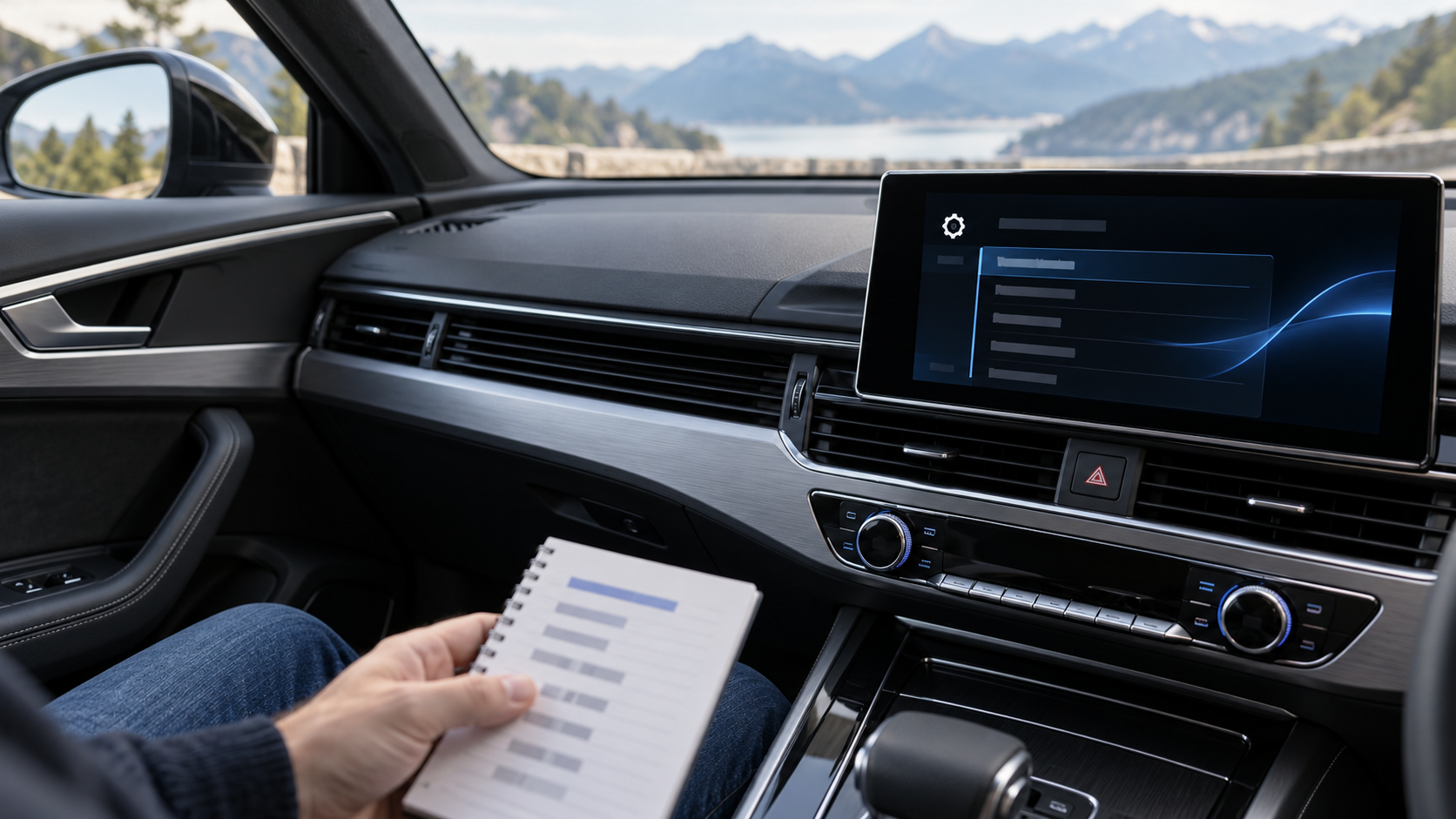
- Photograph the full MMI software version. Follow the Audi MMI identification guide to find the version screen. A label such as “MIB2” alone does not identify the software version or region.
- Check your cluster and phone setup. Note which instrument cluster you have, whether you use an iPhone or Android phone and whether you connect directly by USB or through a wireless adapter.
- Compare your setup with the product page. If your configuration is unclear, send us the version photo and your phone setup through Check Upgrade before ordering.
Why is navigation on the centre display but missing from the cluster?
CarPlay or Android Auto can run on the centre display even when the instrument cluster does not receive navigation data. If your A6 or A7 setup matches the compatibility list and you use a wireless adapter, try a direct USB connection first. Some adapters can show navigation on the centre display without passing it to the cluster. The A6 and A7 cluster upgrade installation guide covers the checks for those models.
Frequently asked questions
Can I use the same upgrade for an Audi A4 B9 and an Audi A7 C7.5?
Each upgrade is built for a different MMI platform. Use the full software version to identify the product that matches your vehicle.
Does the A6 or A7 cluster upgrade activate Apple CarPlay or Android Auto?
No. Your chosen phone platform must already work on the centre display before you add cluster navigation.
Does this update the built-in Audi navigation maps?
No. The upgrade displays navigation from a compatible phone app on the instrument cluster. The built-in Audi navigation database is updated separately.

0 comments
Sign in or create an account to leave a comment →